
Every week I talk to a business owner who says Google Ads “doesn’t work” for them. When I open the account, the story is almost always the same: the budget was fine, the product was fine, but the first 30 days were spent teaching Google’s algorithm the wrong lessons.
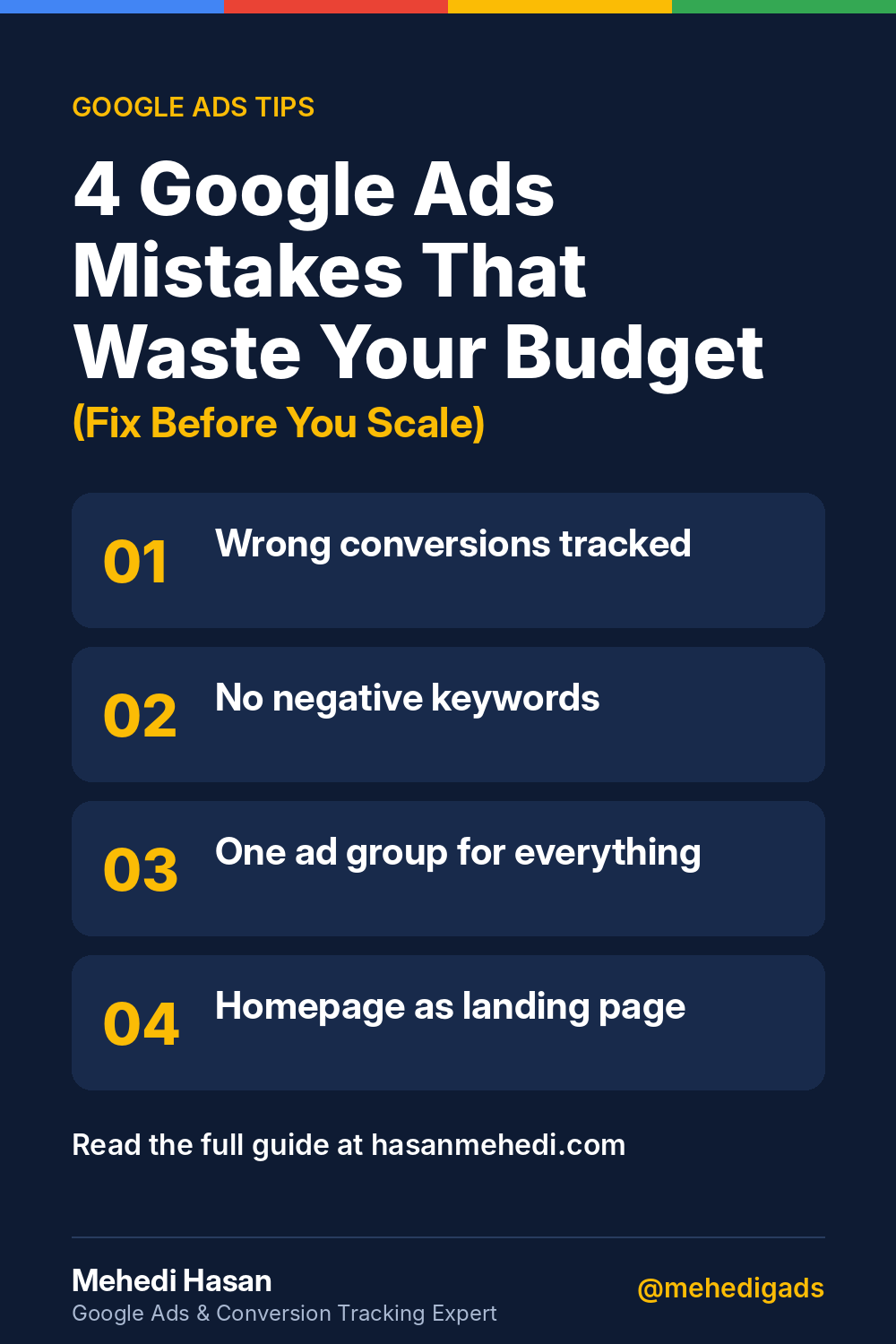
Here are the four setup mistakes I see most often, and how to fix each one before you spend another dollar.
The first 30 days decide everything
A new Google Ads account starts with no history. Google doesn’t know which searches turn into customers, which times of day convert, or which people are worth bidding more for. Everything it learns in the first few weeks comes from the signals you give it: the keywords you choose, the conversions you track, and the pages people land on.
If those signals are wrong, the algorithm doesn’t just waste money for a month. It builds its understanding of “a good result” on bad data, and then keeps optimizing toward it. That’s why so many owners feel that Google Ads got worse the longer it ran.
The good news: all four problems below are setup problems. None of them need a bigger budget. They need a better foundation.
Mistake 1 – Tracking the wrong conversions (and why Smart Bidding makes it worse)
This is the most expensive mistake, and the most common.
In many accounts I audit, the “conversions” column is full of things that aren’t leads at all:
- Page views (someone landed on the Contact page)
- Button clicks (someone tapped “Call Now” but never actually called)
- Duplicated form submissions counted twice
- Imported GA4 events that fire on almost every visit
On the surface the account looks healthy: lots of conversions, a low cost per conversion. But the phone isn’t ringing.
Why it gets worse with Smart Bidding: strategies like Maximize Conversions and Target CPA do exactly what you tell them. If you tell Google that a page view is a conversion, it will go out and find the cheapest people who view pages, not the people who hire you. The more data it collects, the better it gets at finding the wrong people.
How to fix it:
- Go to Goals > Conversions and review every action marked as Primary.
- Keep only real business outcomes as Primary: submitted lead forms (thank-you page or a confirmed submit event), phone calls from ads with a minimum duration (for example, 60 seconds or more), calls from your website via Google forwarding numbers, and booked appointments or purchases.
- Move micro-actions (page views, scroll depth, button clicks) to Secondary so they’re still visible but don’t drive bidding.
- Test every conversion once yourself: submit the form, make the call, and check that it records exactly one conversion.
Until tracking is correct, every other optimization is guesswork. (More on this in my guide to Primary vs Secondary conversions in Google Ads.)
Mistake 2 – No negative keyword strategy (starter negative list included)
Keywords tell Google what you want to show up for. Negative keywords tell Google what you don’t. Most new accounts only do the first half.
Take a plumbing business bidding on “plumber.” Without negatives, ads can also show for searches like “plumber jobs,” “plumber salary,” “how to become a plumber” or “DIY drain unclog.” Every one of those clicks costs money, and none of those people are looking to hire.
How to fix it:
- Before launch, add a starter negative list at the account or campaign level.
- After launch, open the Search Terms report at least once a week for the first month and add irrelevant queries as negatives.
- Save your negatives as a shared list so every new campaign starts protected.
Starter negative keyword list (adjust to your business)
| Category | Example negatives |
|---|---|
| Jobs and careers | jobs, career, hiring, salary, apprentice, training, course, certification |
| Free and DIY | free, diy, how to, tutorial, youtube, video |
| Research only | definition, meaning, what is, wiki |
| Wrong intent | used, parts, wholesale, supplier (if you don’t sell these) |
| Locations you don’t serve | city or state names outside your service area |
Be careful with phrases like “how to.” For some businesses they bring good leads, so check your own search terms before blocking them everywhere.
Mistake 3 – Account structure that kills relevance
A lot of accounts launch with one campaign, one ad group, and every keyword inside it. Drain cleaning, water heater installation and emergency repair all share the same generic ad: “Professional Plumbing Services. Call Today.”
The problem is relevance. When someone searches “water heater replacement,” Google compares the search, the ad and the landing page. A generic ad is weakly related to every search and strongly related to none. That hurts your expected click-through rate and ad relevance, which can push up your cost per click and push down your ad position.
How to fix it:
- Group keywords by service, one ad group per service (or per tight theme).
- Write ads that repeat the service in the headline: “Water Heater Replacement – Same-Day Service.”
- Separate emergency searches into their own ad group or campaign, since they behave very differently (higher urgency, often higher value, different hours).
- Keep brand searches (your company name) in a separate campaign so they don’t hide how your non-brand keywords really perform.
You don’t need dozens of campaigns. You need a structure where the keyword, the ad and the landing page all say the same thing.
Mistake 4 – Landing pages that don’t match intent
The searcher asked a specific question. Your homepage answers none of it.
Someone searching “emergency AC repair near me” wants three things fast: confirmation that you fix ACs, proof that you’re available now, and a way to contact you. A homepage that opens with “Welcome to our company” and a slider of every service makes them work too hard, so they go back and click the next result.
How to fix it:
- Send each ad group to the matching service page (or a dedicated landing page), never the homepage by default.
- Put the essentials above the fold: the service in the headline, your service area, a click-to-call phone number and a short form.
- Add trust signals near the call to action: reviews, licenses, guarantees, years in business.
- Check the page on a phone. Most local service searches happen on mobile, so the phone number should be one tap away.
- Make sure the page loads quickly. A slow page wastes the click you already paid for.
A simple 30-day launch checklist
Use this before and during the first month of any new campaign:
Before launch
- ☐ Only real leads and sales set as Primary conversions
- ☐ Every conversion tested once and recording correctly
- ☐ Starter negative keyword list applied
- ☐ One ad group per service, with matching ads
- ☐ Each ad group pointed at a matching landing page
- ☐ Location and ad schedule set to your real service area and hours
Weeks 1–4
- ☐ Review Search Terms weekly and add negatives
- ☐ Check that conversions match what’s happening in your inbox and call log
- ☐ Pause keywords that spend without any real leads after a fair amount of data
- ☐ Only change bidding strategy once conversion tracking has been confirmed
Final thought: fix, then scale
More budget on a broken setup only breaks faster. If your Google Ads account has been running for a month with clicks but no customers, don’t start with the budget or the bids. Start with tracking, then search terms, then structure, then landing pages. In that order.
Fix the foundation first. Then scale what’s working.
FAQ
Why are my Google Ads getting clicks but no leads?
Usually one of four setup problems: conversions are tracking the wrong action, you’re paying for irrelevant searches, ad groups are too broad, or the landing page doesn’t match the search. Start by checking which actions are counted as Primary conversions.
How often should I check the Search Terms report?
In a new account, at least once a week for the first month. After that, every one to two weeks is enough for most small business accounts.
Should I send Google Ads traffic to my homepage?
In most cases, no. Send each ad group to the page that matches the service in the search, with a clear phone number and form near the top.
Free Google Ads audit
Not sure which of these four mistakes is costing you the most? I’ll review your account’s conversion tracking, search terms, structure and landing pages and send you a short list of fixes. Request a free audit
Follow me for more Google Ads tips
LinkedIn · Facebook · Instagram · X · YouTube · Pinterest · Medium · Quora Space — all @mehedigads