Most appliance repair businesses don’t have a Google Ads problem. They have a setup problem.
Wrong location settings, no negative keywords and no call tracking quietly eat the budget every month. The ads still run, clicks still come in, but the phone doesn’t ring with the jobs you actually want.
Here are the 7 fixes I use on appliance repair accounts to cut wasted spend and bring in more booked jobs. Save this for your next campaign setup.
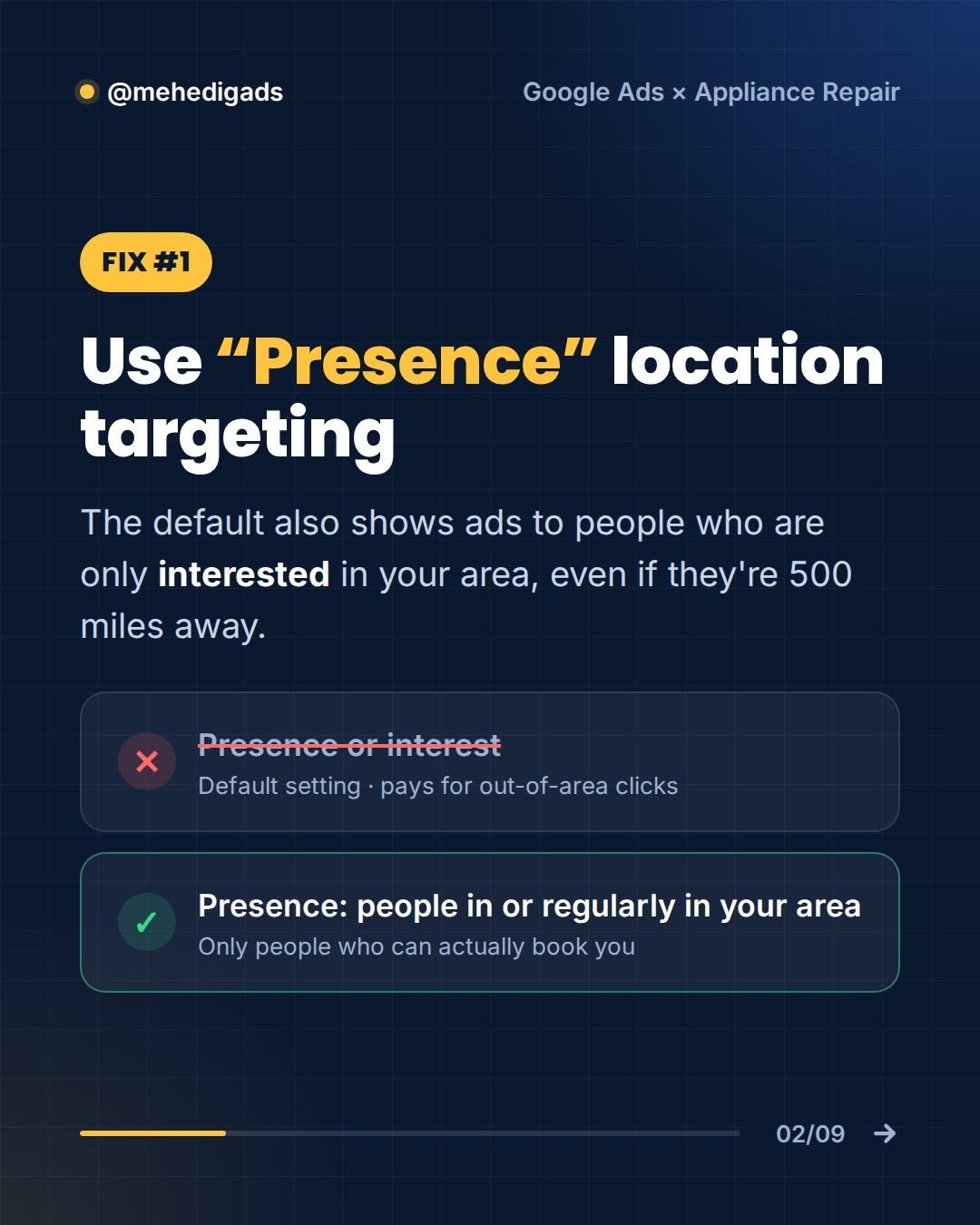
Fix #1: Use “Presence” location targeting
Google’s default location setting is “Presence or interest”. That means your ads can also show to people who are only interested in your area, even if they’re 500 miles away. For a local repair business, those clicks are pure waste.
- Avoid: Presence or interest (the default setting, which pays for out-of-area clicks)
- Use: Presence: people in or regularly in your area (only people who can actually book you)
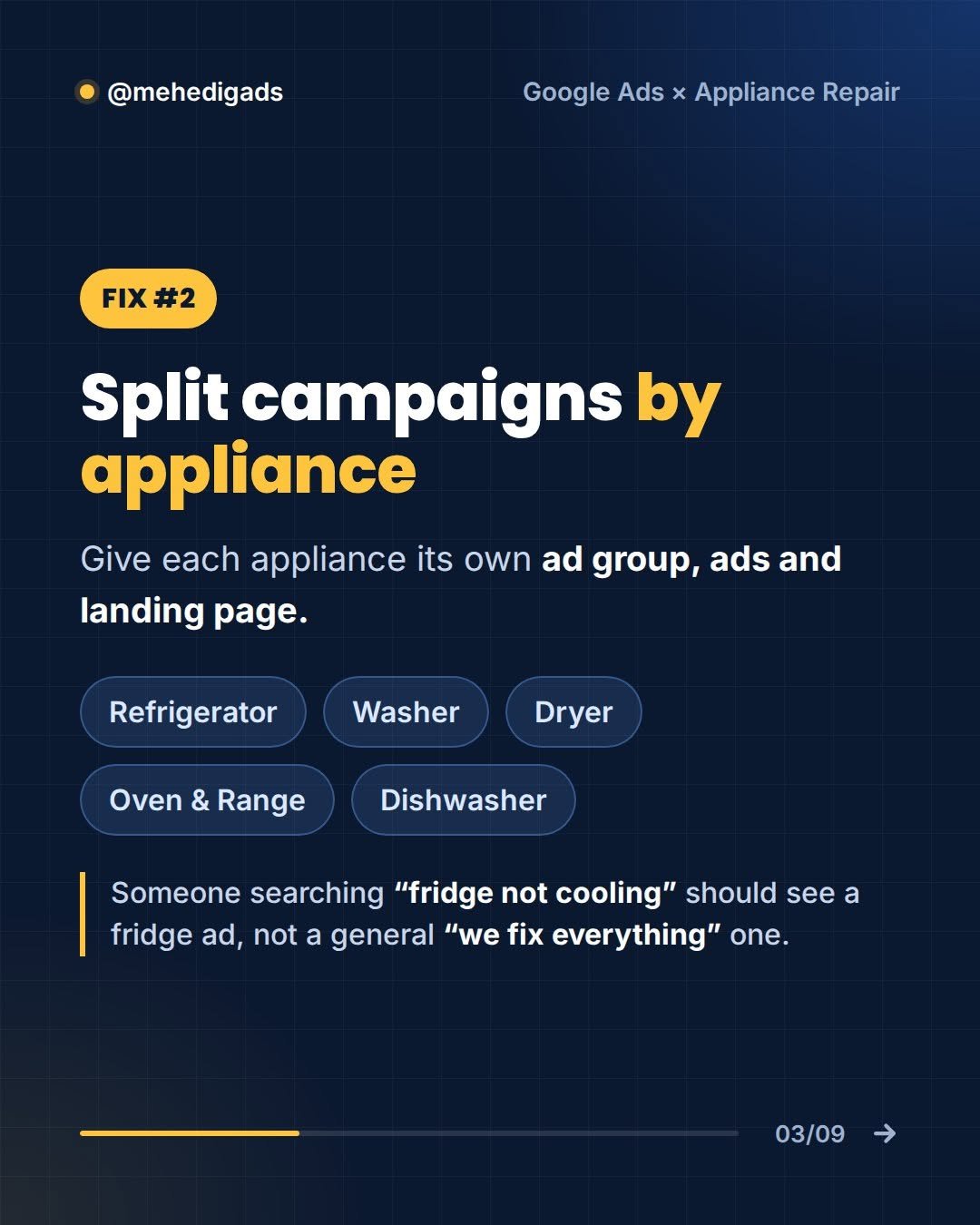
Fix #2: Split campaigns by appliance
Give each appliance its own ad group, ads and landing page: refrigerator, washer, dryer, oven & range, and dishwasher.
Someone searching “fridge not cooling” should see a fridge ad, not a general “we fix everything” one. Tighter relevance means better Quality Scores, lower costs per click and higher conversion rates.
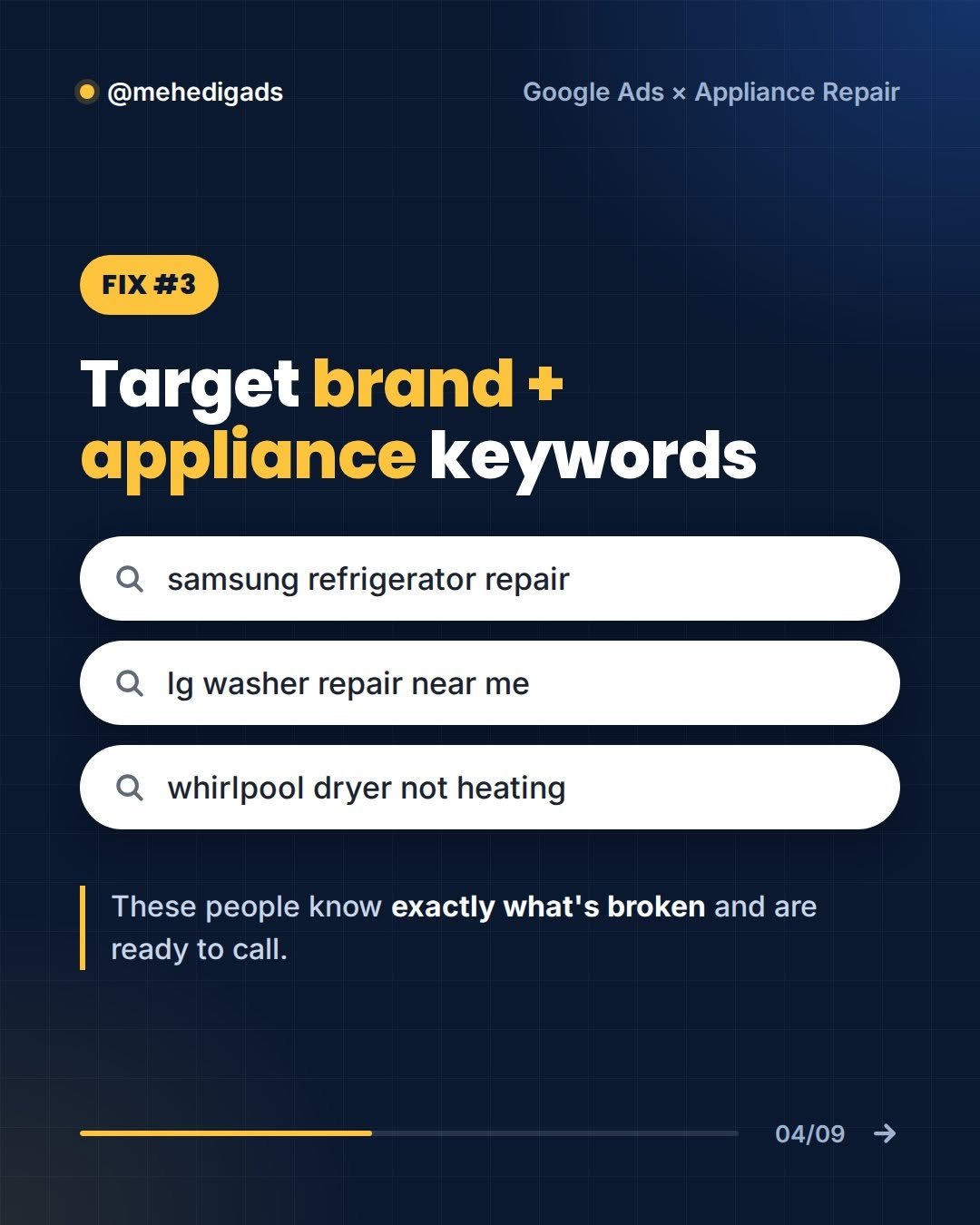
Fix #3: Target brand + appliance keywords
Searches that combine a brand with an appliance or a symptom are some of the highest-intent keywords in this niche, for example:
- samsung refrigerator repair
- lg washer repair near me
- whirlpool dryer not heating
These people know exactly what’s broken and are ready to call.
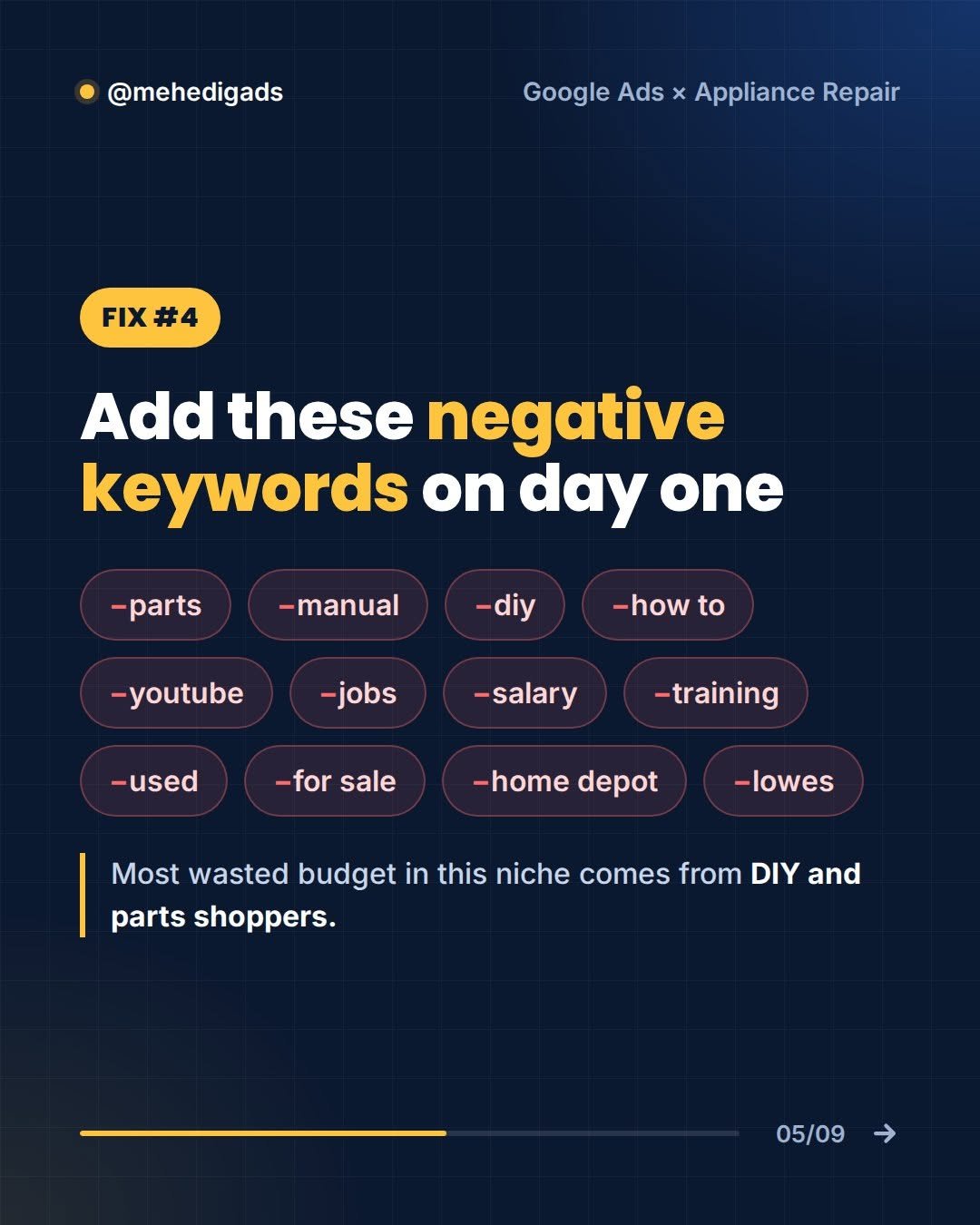
Fix #4: Add these negative keywords on day one
Most wasted budget in this niche comes from DIY and parts shoppers. Add these negatives before your campaign goes live:
-parts -manual -diy -how to -youtube -jobs -salary -training -used -for sale -home depot -lowes
Then keep reviewing your search terms report every week and add new negatives as they show up.
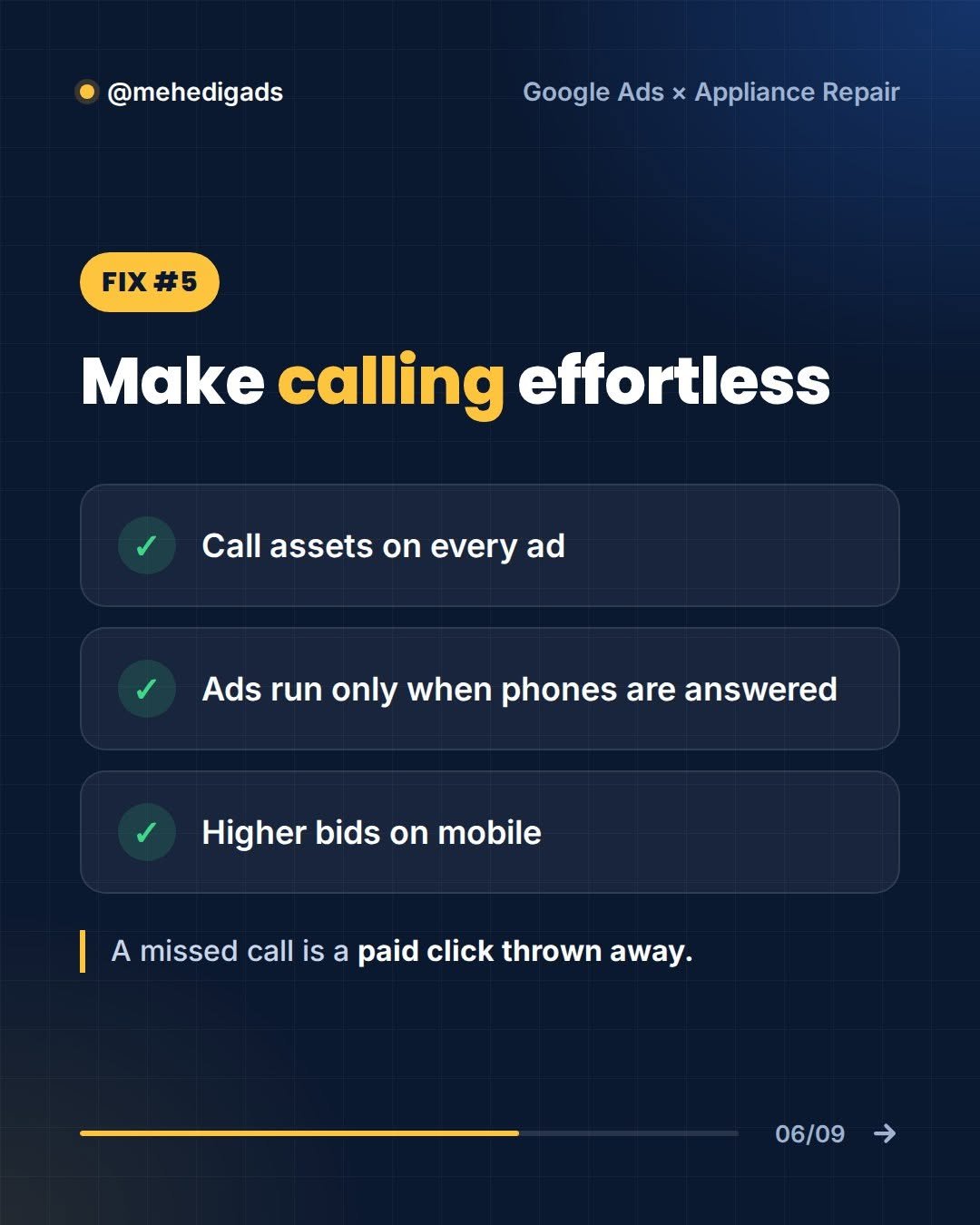
Fix #5: Make calling effortless
- Call assets on every ad
- Ads run only when phones are answered
- Higher bids on mobile
A missed call is a paid click thrown away.
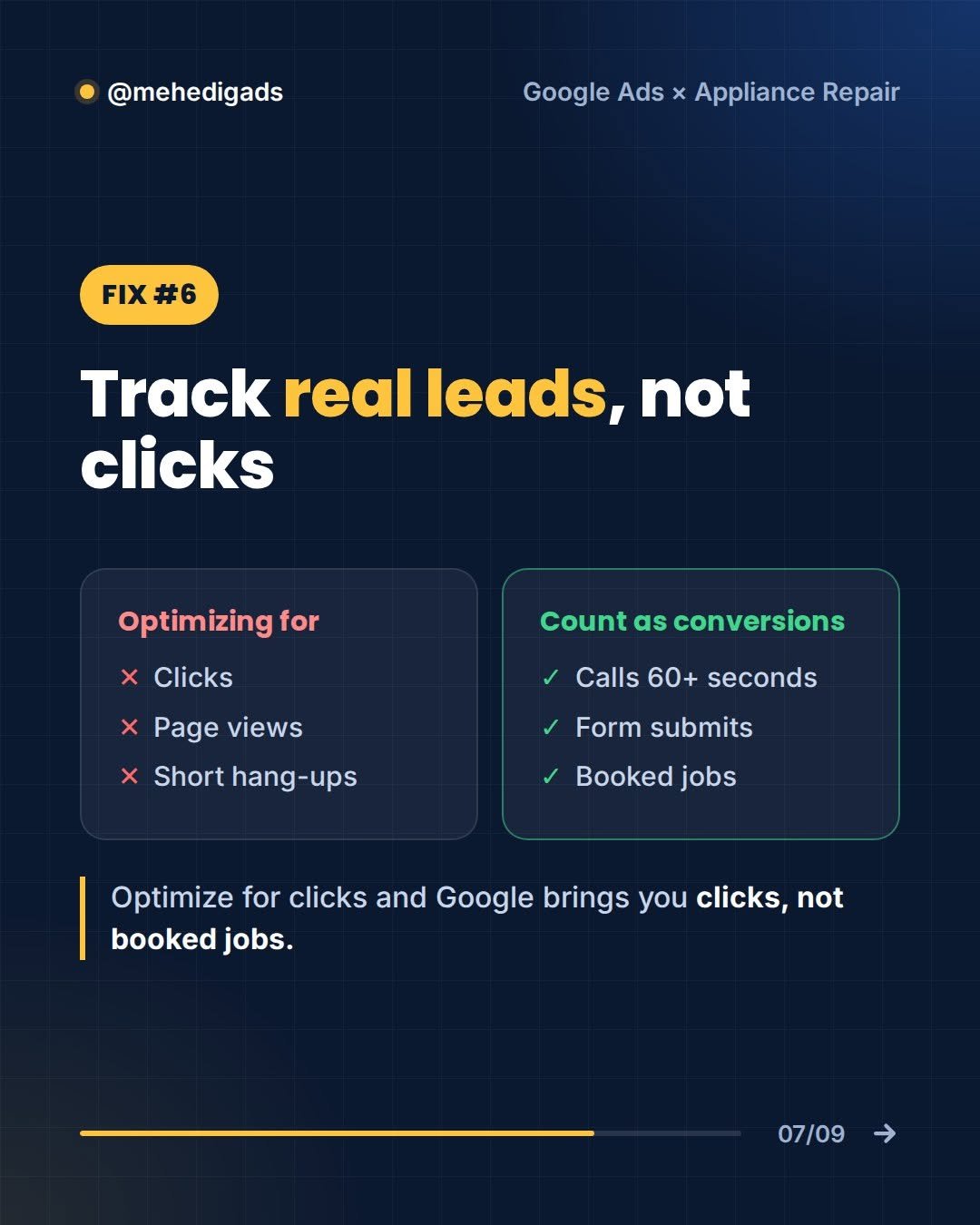
Fix #6: Track real leads, not clicks
If you optimize for clicks, Google brings you clicks, not booked jobs. Set up conversion tracking around the actions that actually make you money.
- Don’t optimize for: clicks, page views or short hang-ups
- Count as conversions: calls of 60+ seconds, form submits and booked jobs
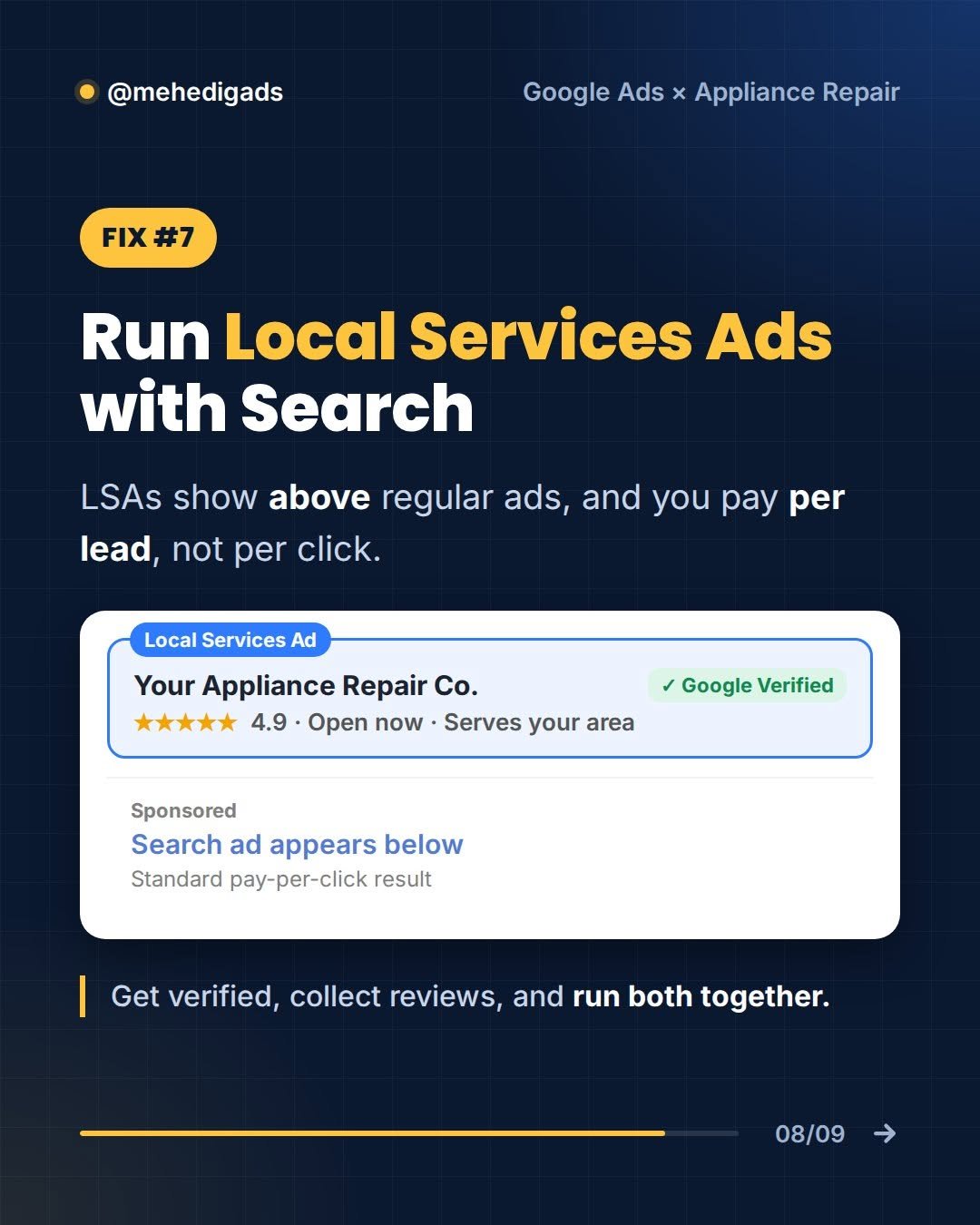
Fix #7: Run Local Services Ads with Search
Local Services Ads (LSAs) show above regular search ads, and you pay per lead, not per click. Get Google Verified, collect reviews, and run both together so you own more of the page.
Want me to audit your appliance repair Google Ads account?
Running ads for a repair business and not sure where the budget is leaking? I’ll review your account and show you exactly what to fix, free.